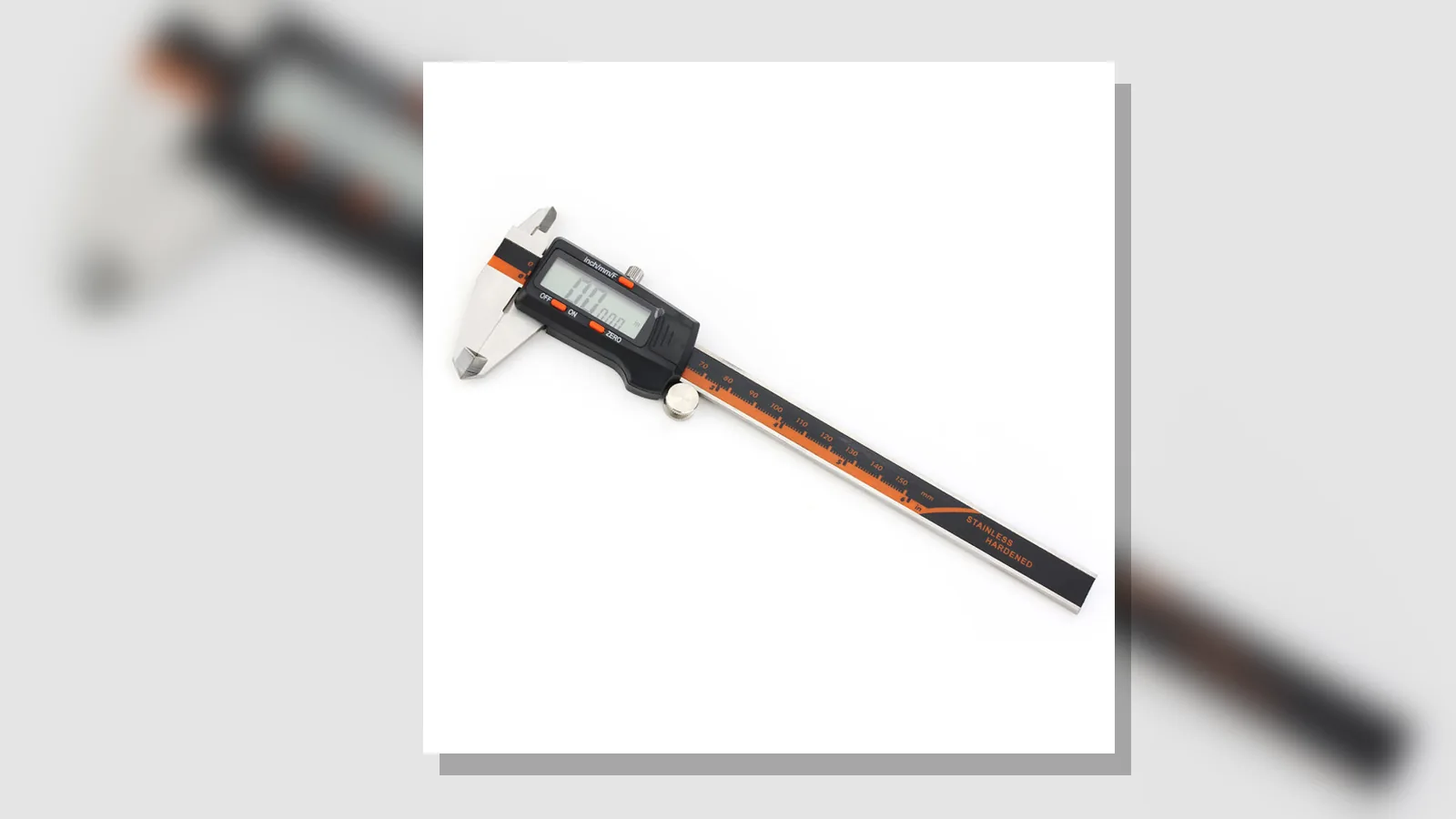
digital caliper not returning to zero
If a digital caliper is not returning to zero, stop relying on the reading straight away and check the jaws, cleanliness, power and possible damage before you trust it again.
Give the safe first response: stop relying on the reading until the zero issue is resolved
Use the instrument only for non-critical checking until it is behaving normally. RS describes a non-zero indication at true zero as zero error, and NPL advises care, verification and fault awareness for callipers and micrometers.
If the measurement matters for safety, quality or a final sign-off, switch to a verified instrument and follow the applicable procedure.
Check for debris, burrs and incomplete jaw closure
Clean the measuring surfaces and make sure the jaws close fully with light contact. Even a small chip, burr or film of dirt can leave the display off zero or make it behave inconsistently.
- Wipe the measuring faces before testing again.
- Look for burrs, swarf or damage on the jaws.
- Close the jaws gently rather than forcing them shut.
Allendale's guide links erratic or incorrect readings to dirt and excessive force, and recommends clean measuring surfaces plus full jaw closure before zeroing.
Re-zero with light contact and repeat several open-close cycles
Once the jaws are clean, close them lightly, zero the caliper and open and close it several times to see whether the reading settles. This is zeroing, not calibration.
If the same offset keeps appearing after each cycle, note the amount and whether it is always the same.
Check charge/power symptoms without inventing model-specific reset steps
If the display is dim, blank, intermittent or slow to wake, treat it as a power issue and recharge the unit according to its own guide. ACCUMEASURE is USB-rechargeable, but its exact indicator behaviour and service steps are not verified here.
Do not follow generic reset advice if the maker has not documented it. Stick to the basic checks: charge, contact, cleanliness and repeatability.
Separate a stable offset from erratic or non-repeatable readings
Stable offset
If the caliper is always off by roughly the same amount when fully closed, that points to a stable zero error rather than a random fault. RS notes that zero error is a non-zero indication at the true zero position and may follow calibration drift or mechanical shock.
Erratic readings
If the number jumps around, changes between closures or depends on how hard you close the jaws, suspect contamination, poor contact, power problems or damage. Allendale and NPL both emphasise general care, verification and fault awareness.
State when to stop troubleshooting and seek support or replacement
Stop troubleshooting if cleaning, re-zeroing and a charge check do not produce a stable zero, if the jaws appear damaged, or if the reading remains erratic after careful repeat tests. Do not disassemble the instrument or use solvents or abrasives.
For safety-critical measurements, replace the unit with a verified instrument that suits the procedure. If you want to review the current product details, see the ACCUMEASURE product page.